A disposable camera for video

You can't watch it until you finish the roll

With film, you'd shoot something, get back to the party and not see it for weeks. Undeveloped is a Super 8 camera for your iPhone that works the same way. Everything you shoot goes onto a 3:20 roll, one clip after the next, and you can't watch any of it yet. When the roll runs out, it turns into one continuous film on its own, and you can start another.

Download on theApp Store

$2.99 once.
There's no subscription, and you don't need an account.

Why it works this way

Why you have to wait to see it

Nobody poses when there are no retakes

Being able to see a video the second we shoot it changed how we film. We shoot the same thing over and over, keep one and rarely look at it again. People used to shoot what was happening and wait to see how it came out, and they looked more like themselves.

You can't check it, so you put your phone away

There's nothing to look at afterward, so you film for a few seconds, put your phone down and go back to whoever you're with.

Waiting for it is half the fun

You used to finish a roll, send it off and wait for it to come back. Then you'd sit down one night and see all of it, including the blurry parts. Undeveloped works the same way, except it develops on your phone as soon as the roll runs out.

How a roll works

You shoot a little at a time, whenever you want

01

Load a roll

Every roll is 3,600 frames, the same as a 50-foot Super 8 cartridge, which comes to 3 minutes and 20 seconds at 18 frames a second. The counter on screen shows how much you have left.

A scooter ride along a coast road.
02

Film what matters

Tap record for a few seconds, then put your phone back in your pocket. You might shoot a little today and a little more tomorrow. You can't look back at anything or redo a take, so whatever you shoot stays on the roll.

NOT DEVELOPED
2:47 LEFT
03

It develops

When you use the last frame, your clips automatically develop into one continuous film, in the order you shot them, with moving grain and a warm flash at the start of each shot. You can save it to Photos or send it to whoever was there, and then start another roll.

Friends walking a hillside path above the sea.

Can you peek? No.

You can't look at your own shots either. If you could check them you probably would, and you'd end up looking at your phone instead of at the people you're with.

Shared rolls

Your friends can film on the same roll

Remember the disposable cameras on the tables at a wedding? This works the same way, but with video. Everyone films on the same roll from their own phone, wherever they are, as much or as little as they like. When the roll is full, it develops on everyone's phone with all the clips in the order they were shot.

  1. Start a shared rollOpen the archive, tap Start a shared roll and give it a name. Up to 12 people can film on it, and you don't have to say how many.
  2. Send the linkIt's an iCloud link, so you can send it in Messages or anywhere else. When your friends tap it they're on the roll, and they don't have to sign up for anything as long as they're signed in to iCloud.
  3. Everyone filmsEveryone shares the same 3,600 frames and can film as much as they want until they run out, so one person could use the whole roll. Nobody can watch anything yet, including their own shots.
  4. It develops for everyoneWhen the roll is full, it develops on everyone's phone with all the clips mixed together in time order. If it never fills up, whoever started it can develop what's been shot so far.
The filmIn the order it happened

What you could do with one

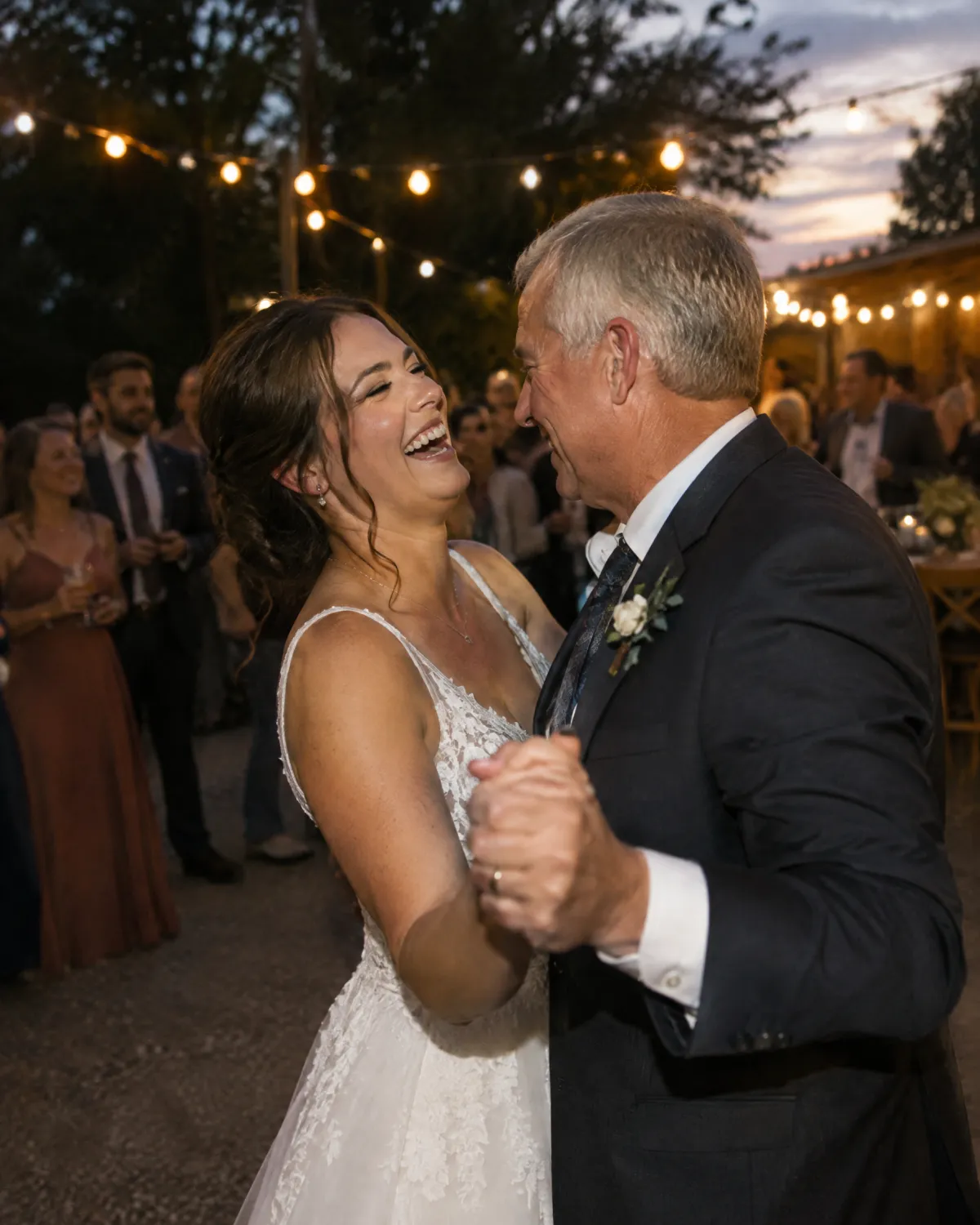
A bride laughing as she dances with her father under string lights.

A wedding

The couple, the parents and the wedding party can all film on one roll through the day, from getting ready to the dance floor. If your uncle uses most of it on the toasts, there won't be much left for the dancing.

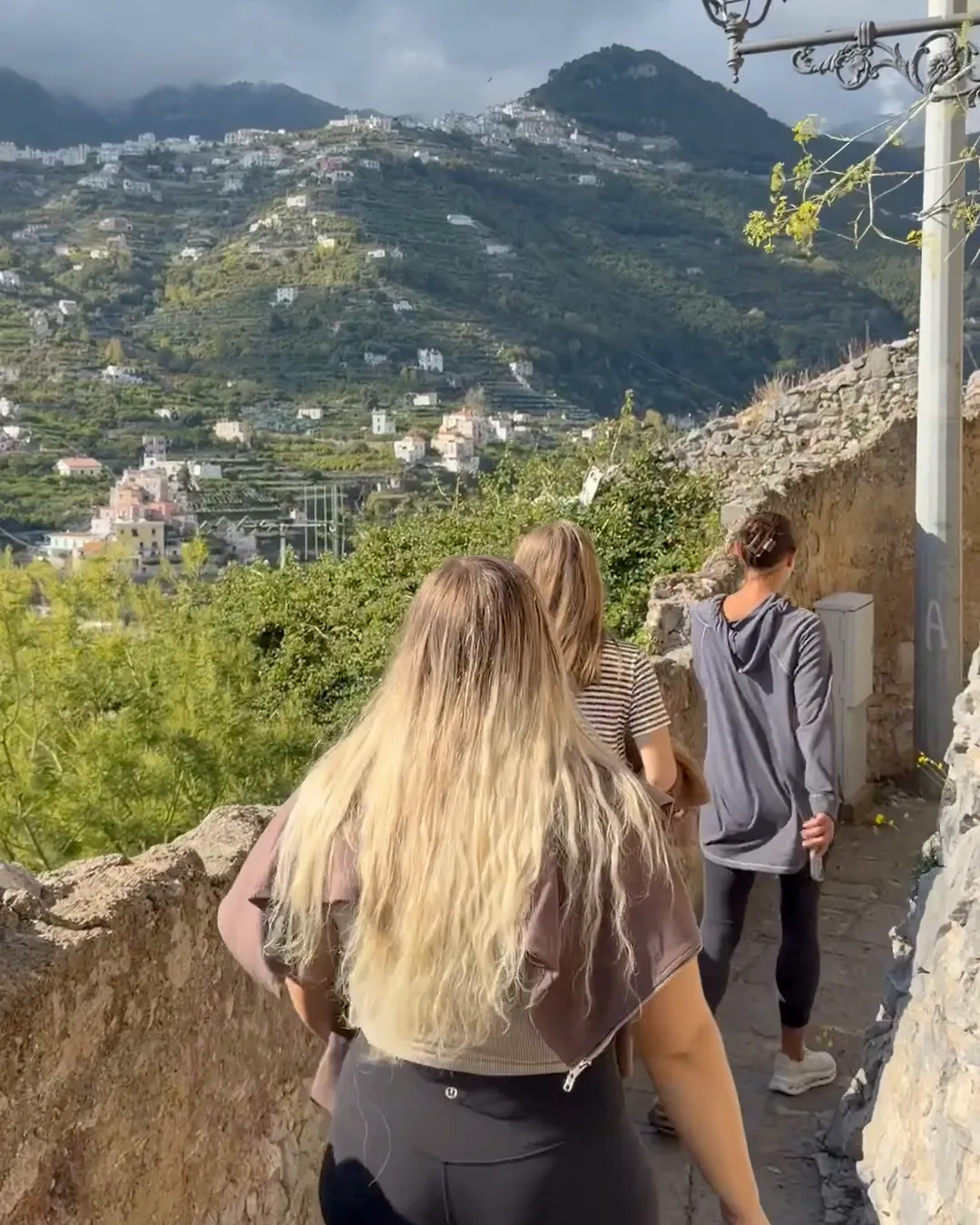
Friends walking a hillside path on the Amalfi coast.

A trip

Everyone films on the same roll during the trip. If somebody uses a lot of it at the airport there's less left for the beach, and you'll all see the whole thing when the roll runs out.

Friends cracking up on a lake dock at sunset.

A bachelor party

Nobody has to be the person filming all weekend, and nobody can check what's on the roll until it runs out.

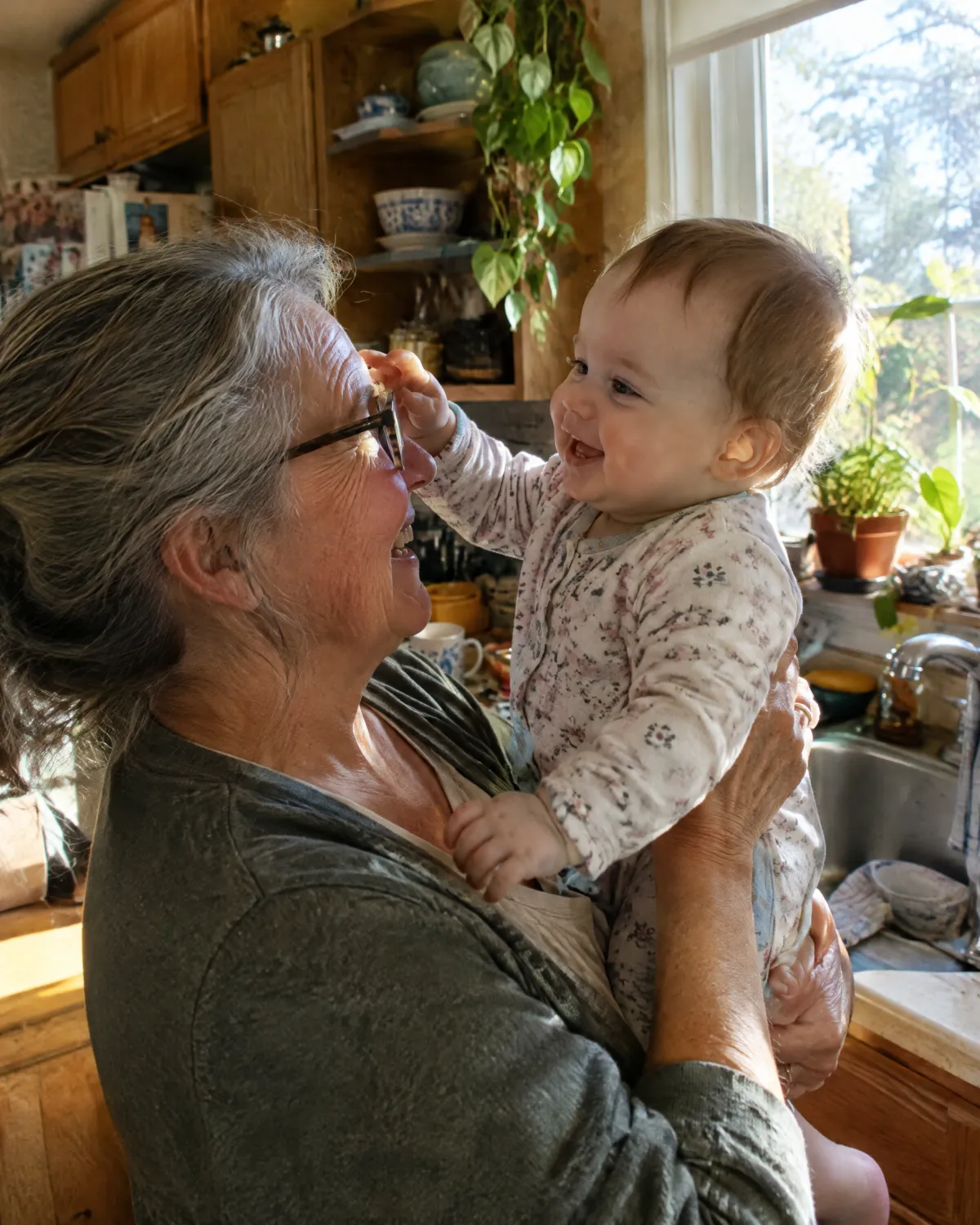
A grandmother holding up a laughing baby by a kitchen window.

A kid's first year

Parents, grandparents and aunts can all film on one roll from wherever they live. You'll want to go slowly so there's film left when the baby starts walking. If there's still some left on the first birthday, whoever started the roll can develop it that day.

Good to know

  • Everyone filming needs the app, which is $2.99 each, and an iCloud account. I can gift App Store promo codes if that's a problem for your group, so write to me.
  • The invite is an open link, so anyone who has it can join, up to 12 people. Anyone after that can watch the film but can't shoot on the roll, so only send it to people you want on there.
  • The look is set when the roll starts, so everyone's clips match.
  • If you'd like everyone to get the same amount of film, turn on equal shares when you start the roll.

The look

It looks like an old home movie

You can pick a film stock, set the grain and add a sprocket strip if you like. You'll see the look live in the viewfinder, and it becomes part of the film when the roll develops.

A frame from a roll: a stone tower on the Amalfi coast.
Everyday film, classic grain

Film stock

Gentle color for every day.

Grain

Extras

Frame rate

18 fps3:20 of film.

This is a rough preview on the web. The real look is rendered on your iPhone, one frame at a time.

Motor zoom to 80×When you slide the zoom it eases in slowly like an old motor zoom, and you can feel a click at each step. How far it goes depends on your iPhone's cameras.
A dial from 8 to 30 fpsAt 8 fps the roll lasts 7:30 and looks slow and jumpy, and at 24 fps it lasts 2:30 and looks smooth. The counter changes as you turn the dial.
You can feel it runWhile you record, the phone hums gently in your hand and ticks as each frame goes through. You can turn this off.
Selfie camera, optional soundYou can flip to the selfie camera to get yourself in the shot. If you say no to the microphone, your film is silent.

Privacy

You don't need an account, and I never see your films

There's nothing to sign up for and there are no ads or analytics. I don't run a server, so I never see your films. They stay on your iPhone and back up to your own iCloud, which you can turn off. A shared roll goes through iCloud to whoever has your invite link.

Read the privacy policy

  • Accounts to makeNone
  • Analytics, ads, trackersNone
  • Third-party codeNone
  • Camera and microphoneOn your iPhone
  • Backups of finished filmsYour iCloud
  • Shared rollsYour iCloud link

Questions

Before you load a roll

What happens when the roll runs out?

It develops automatically on your phone. Your clips are put together into one continuous film in the order you shot them, with the look you chose. The film goes in the archive, where you can play it, save it to Photos or send it to someone. Then you can start another roll, and you can shoot as many rolls as you like.

Can I peek before it develops?

No. You have to finish the roll to watch it, and the only thing you can see before then is how much film is left. If you want to try the camera first, Test Mode in settings shoots takes that get thrown away and don't use up your roll.

Can I change how long a roll is?

A roll is always 3,600 frames. The frame rate decides how long that lasts:

8 fps18 fps24 fps30 fps7:303:202:302:00

You can also keep more than one roll going, say one for home and one for a trip, and swap between them. Each one keeps its film.

How does a shared roll work?

Open the archive, tap Start a shared roll and give it a name. You'll get an iCloud link to send in Messages or anywhere else. When your friends tap it, the app opens and they're on the roll. Up to 12 people can share the same 3,600 frames, and anyone can film as much as they want until they run out. Then it develops on everyone's phone. If you'd rather give everyone the same amount, turn on equal shares when you start and choose how many people, from 2 to 6. You can add more later, up to 12.

Who can join with the link?

Anyone who has it, so only send it to people you want on the roll. Once 12 people have joined, or everyone you chose with equal shares, anyone else who opens it can watch the film but can't shoot on the roll.

What if the roll never fills up?

Whoever started it can tap Develop what's shot so far in the archive, and it develops for everyone with what's on the roll.

Does everyone need to buy it?

Yes. Each person filming on a shared roll needs the app on their own iPhone, at $2.99, and an iCloud account. I can gift App Store promo codes if that's a problem for your group, so write to me.

How much is it?

It's $2.99 once. There's no subscription, and there are no in-app purchases or ads.

What if I lose my phone or delete the app?

If iCloud Backup is on, which it is unless you turn it off, your finished films come back when you install the app again. A solo roll that hasn't developed yet is only on your phone, so deleting the app deletes it.

Which iPhones does it work on?

Any iPhone on iOS 17 or later.

Undeveloped app icon

Take it on your next trip

You can shoot a little at a time over the next few weeks, then watch it all in one sitting.

$2.99 once. iPhone, iOS 17 or later.